

Inactive Tutor answered • 04/19/19
Tutor
New to Wyzant
You can select Symbol from the Insert menu. I like Wingdings 3 font and character 150 as an arrow.
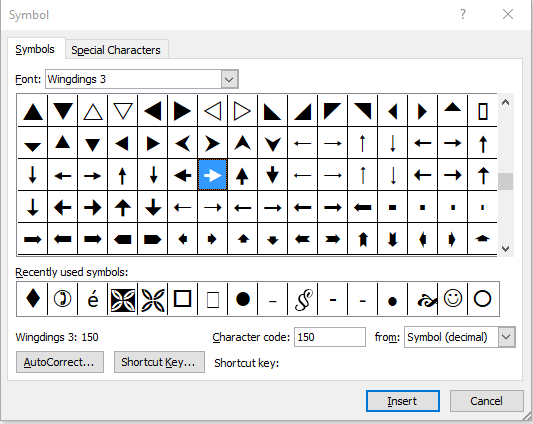
To assign it to AutoCorrect, click on the AutoCorrect… button.
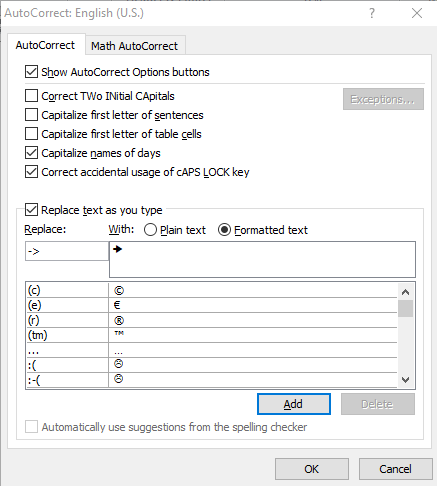
Assign the shortcut you want, like -> and click on Add.
Now as soon as you type -> in your document it will insert your arrow.


